Free plugin for Chrome and Microsoft Edge
OfferMarket My Properties plugin
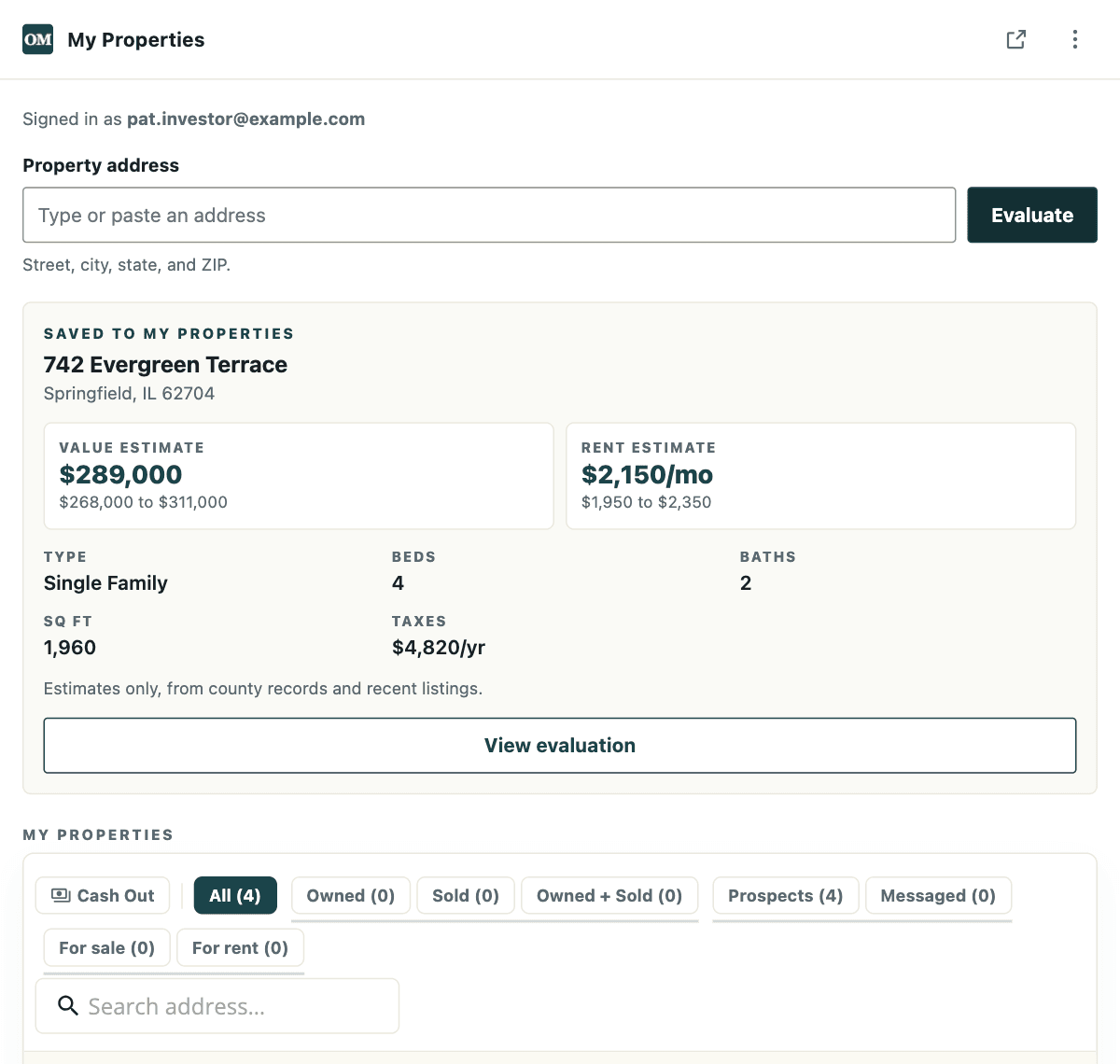
Type or paste a US address. In seconds you see a value estimate, a rent estimate, and the facts from county records. Every address is saved to My Properties.
Free, with a free OfferMarket account. Works in Chrome and Microsoft Edge on a computer.
How to use the plugin
Step 1:Add the plugin and open it
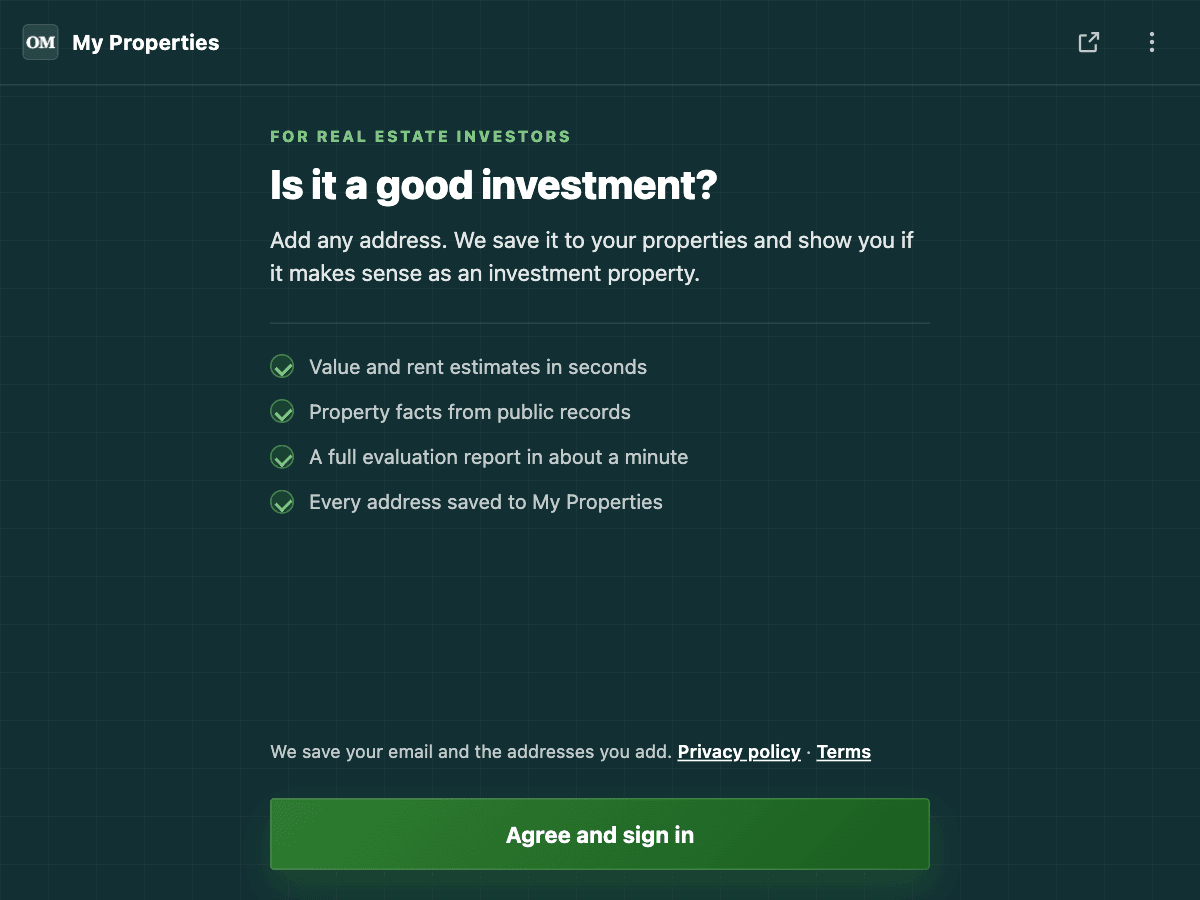
Click Add to Chrome or Add to Edge on this page, then confirm in the store. To keep the plugin in view, click the puzzle piece at the top right of the browser and pin OfferMarket My Properties. Click its icon, read what it saves, and click Agree and sign in.
Step 2:Sign in on offermarket.us
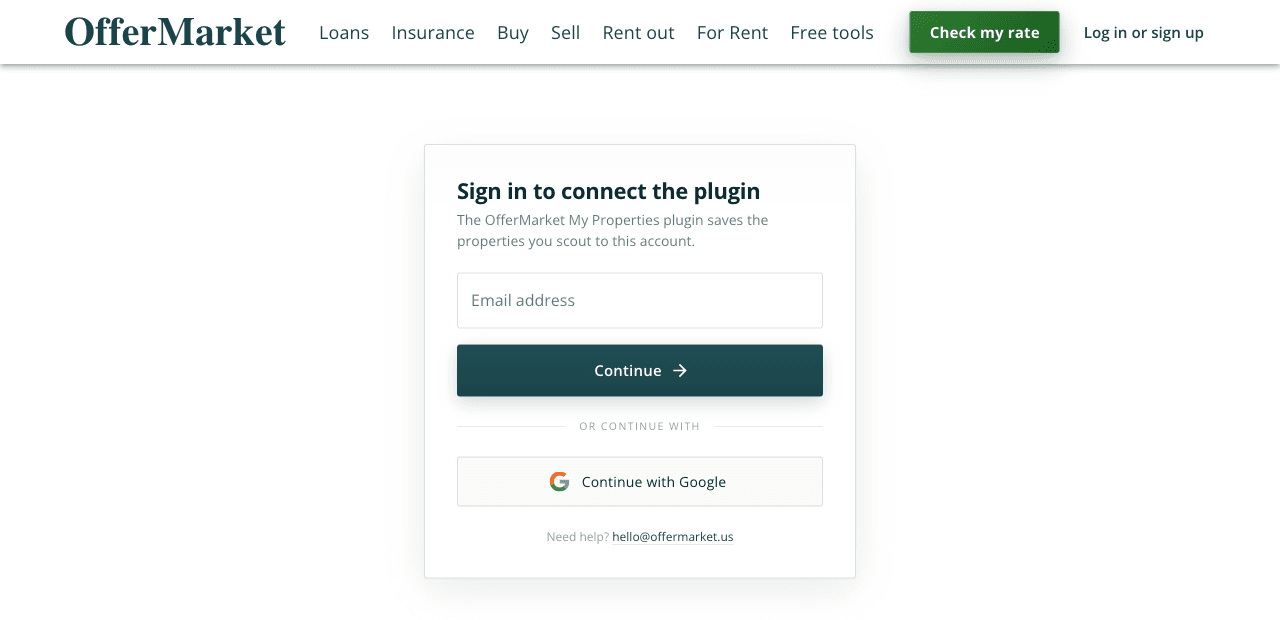
A new tab opens on offermarket.us. Sign in with your email, or with Google. If you are new to OfferMarket, the same box makes your free account.
Step 3:Click Connect
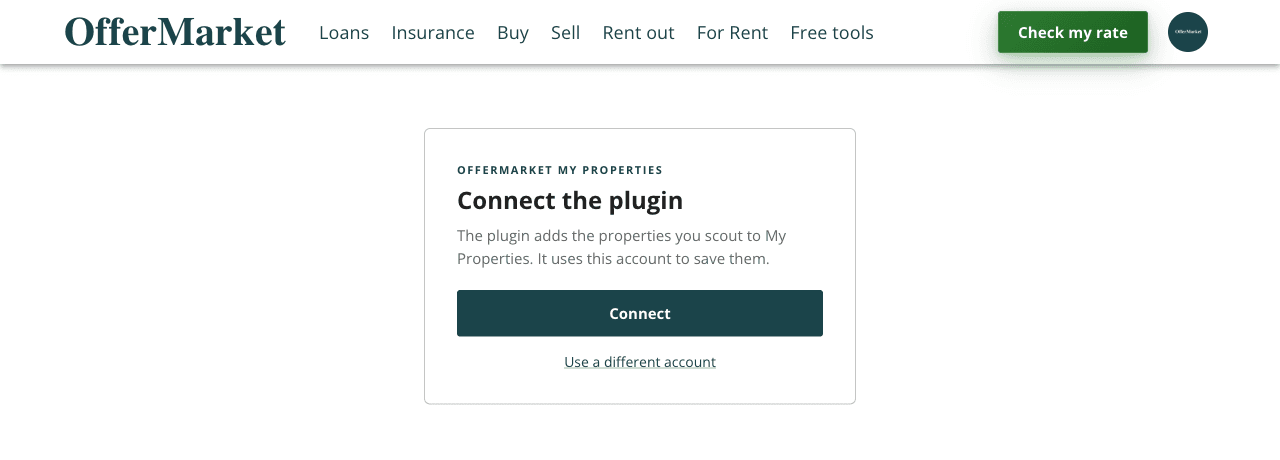
The page shows the account the plugin will use. Click Connect. When the page says The plugin is connected, close the tab.
Step 4:Type or paste an address
Open the plugin again. Start typing a US address and pick it from the list, or paste a full address with the street, city, state, and ZIP. Click Evaluate.
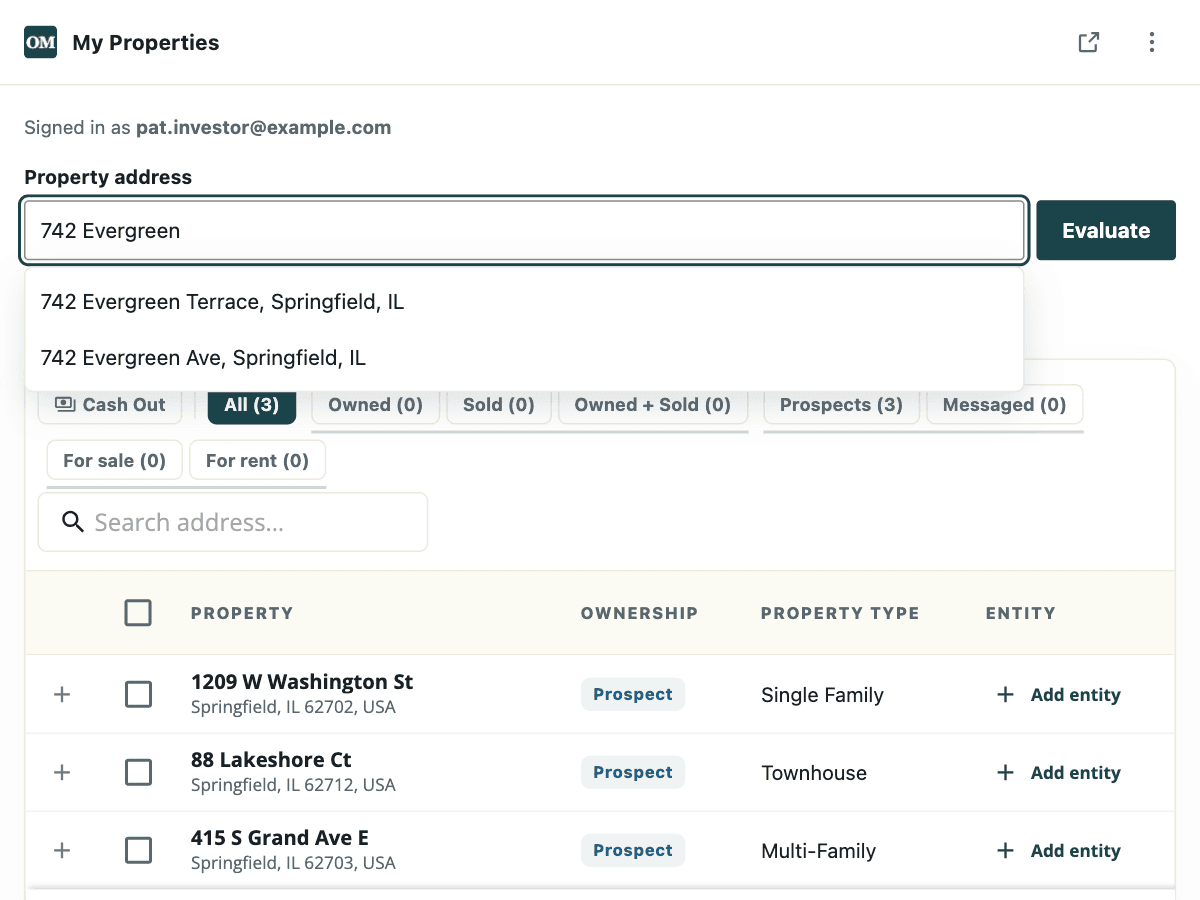
Step 5:See the estimates
In seconds you see a value estimate and a rent estimate, each with a range, and the facts from county records. The address is saved to My Properties. The full evaluation is ready in about a minute. Click View evaluation to open it on offermarket.us.
Step 6:Work with your whole list
Your My Properties table is in the plugin, under the address box. To see more of it, click the square with an arrow at the top right, and the plugin opens in its own tab. Click a property to open its page on offermarket.us.
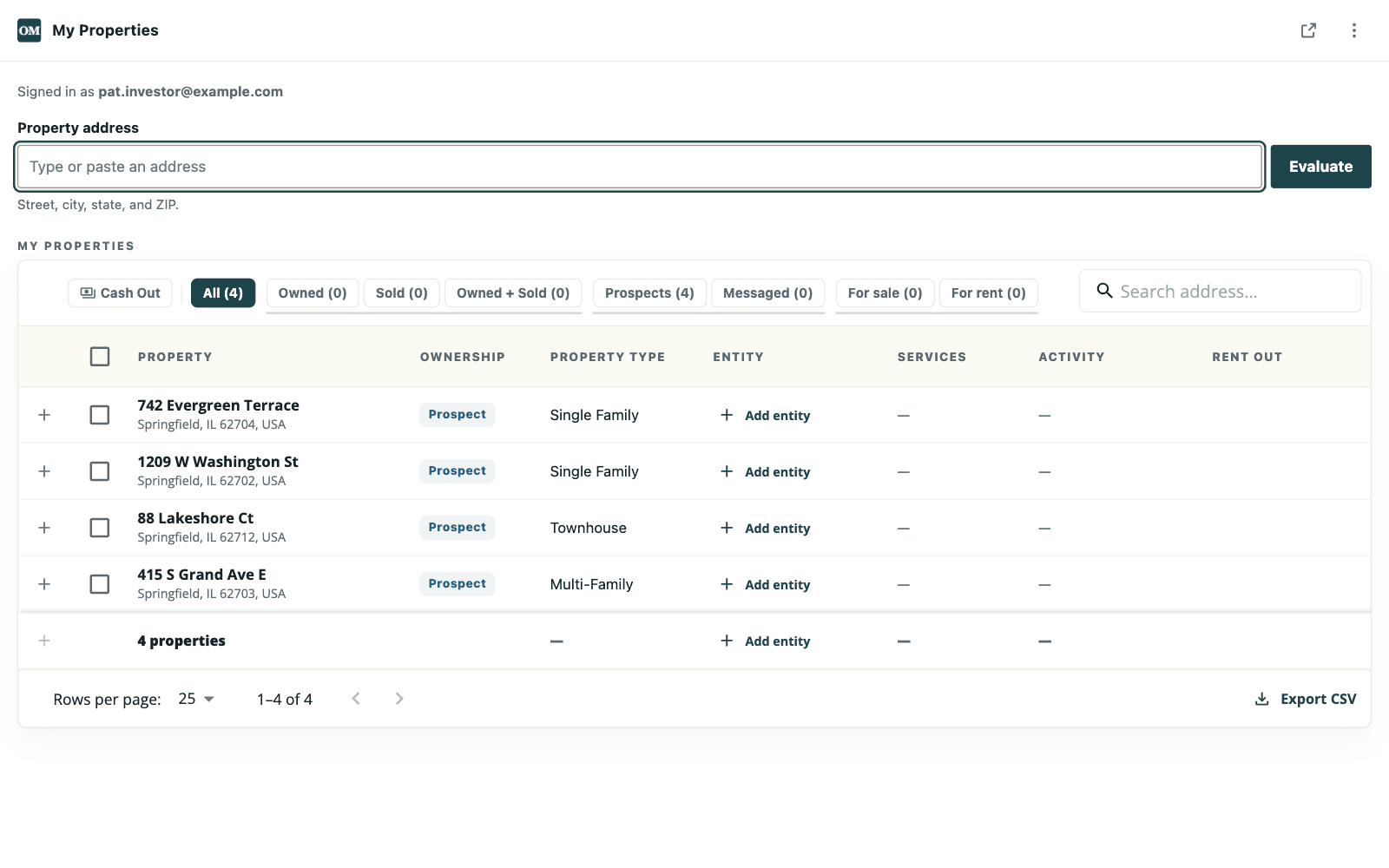
Good to know
- It sees only what you type
- The plugin cannot read the pages you visit. It sends only the addresses you type or paste.
- Estimates, not appraisals
- The values and rents come from county records and recent listings. They are estimates.
- One list, two places
- The plugin and offermarket.us show the same My Properties list. A change in one shows in the other.
- You stay in charge
- Sign out or withdraw consent from the plugin's menu at any time. The properties you saved stay in My Properties.
Add the plugin
Pick your browser. The plugin is the same in both.
Questions? Read the plugin help page. See what the plugin saves in its privacy policy.